







































Remote Glitches? Fix Your Harbor Breeze Fan Fast

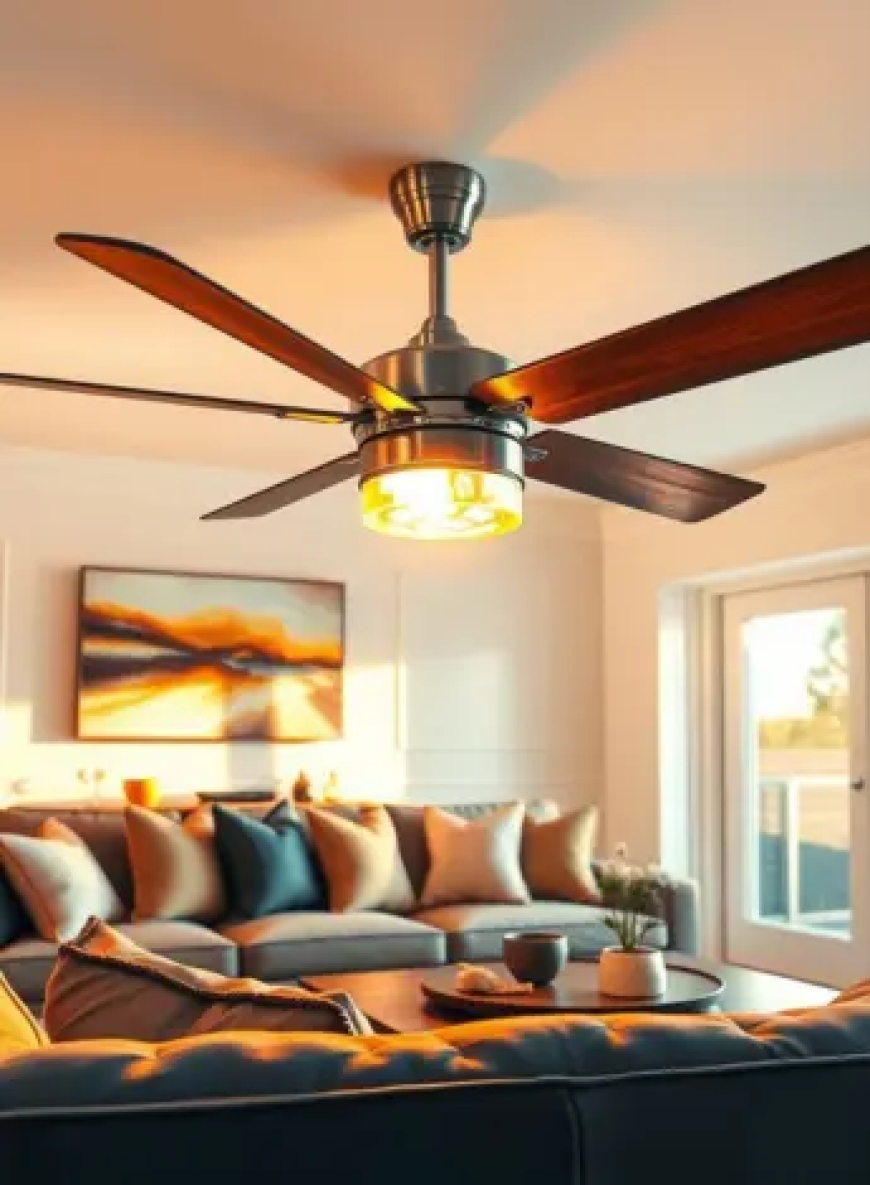
A ceiling fan with a remote control adds modern comfort and convenience to any roomuntil the remote stops working. If you're facing issues with your Harbor Breeze fan remote, youre not alone. Many users occasionally experience glitches such as unresponsive remotes, inconsistent fan speeds, or lights that wont turn on or off. The good news? Most of these problems are easily fixable with a few simple troubleshooting steps.
In this article, well walk you through quick solutions to common Harbor Breeze remote control problems, explore the pros and cons of using these fans, and discuss why Harbor Breeze ceiling fans continue to be a popular choice among homeowners.
Understanding the Basics of Harbor Breeze Remote Fans
Harbor Breeze ceiling fans with remote controls are designed for convenience. Instead of pulling chains or flipping wall switches, you can adjust the fans speed, direction, and lights from anywhere in the room. These fans are ideal for high ceilings, large living spaces, and modern households looking to combine style and functionality.
However, like any electronic device, the remote system can encounter occasional problems due to battery issues, signal interference, or receiver malfunctions. Fortunately, most issues can be resolved without the need for professional help.
Common Harbor Breeze Remote Control Glitches (and Quick Fixes)
1. Fan Not Responding to Remote
-
Fix: Replace the remote batteries and ensure they are inserted correctly. If the issue persists, reset the fan by turning off the power at the breaker for a few minutes, then turn it back on.
2. Lights Work, But Fan Doesnt (or Vice Versa)
-
Fix: This can indicate a sync issue between the remote and the receiver. Re-sync the remote by turning off the power and holding the Fan or Learn button for a few seconds upon restoring power. Refer to your models manual for the exact steps.
3. Fan Speed Doesnt Change
-
Fix: Check if the remotes speed buttons are responsive. If not, the remote may need to be reset or replaced. Also ensure theres no physical obstruction between the remote and the fan receiver.
4. Intermittent Operation or Range Issues
-
Fix: Remove any wireless devices that may be causing interference. Ensure the receiver in the fan canopy is properly connected and not obstructed by metal housing.
5. Remote Completely Dead
-
Fix: Replace batteries, check for corrosion in the battery compartment, and try resetting the remote. If it still doesnt work, consider replacing the remote unit or pairing a universal Harbor Breeze remote.
Why Choose Harbor Breeze Ceiling Fans?
Among the many ceiling fan brands on the market, Harbor Breeze has carved out a reputation for blending style, value, and reliability. Heres why they remain a trusted name:
1. Affordable and Stylish
Harbor Breeze offers a variety of designs, from sleek and modern to classic and rustic, all at competitive prices. This makes them an attractive choice for homeowners on a budget who dont want to sacrifice aesthetics.
2. Remote-Controlled Convenience
Many Harbor Breeze fans include remote controls as a standard feature. This user-friendly operation adds a layer of convenience that enhances everyday comfort.
3. Energy Efficiency
Several models are Energy Star certified, using LED lighting and efficient motors that help save on electricity bills throughout the year.
4. Widely Available
Exclusively sold at Lowes, Harbor Breeze fans are easy to purchase, install, and service. Their widespread availability also ensures quick access to replacement parts and remotes.
5. Quiet Operation
Harbor Breeze ceiling fans are known for their quiet, smooth performancemaking them perfect for bedrooms, living rooms, and office spaces.
Pros of Harbor Breeze Fans with Remote
-
Convenience: Control fan speed, direction, and lighting without getting up.
-
Modern Design: A wide range of styles to match any room decor.
-
Energy-Saving Features: LED lighting and reversible motors for year-round comfort.
-
Easy Installation: DIY-friendly setup with helpful manuals and guides.
-
Budget Friendly: Offers premium features at an accessible price point.
Cons of Harbor Breeze Fans with Remote
-
Remote Glitches: Remotes may lose sync or become unresponsive over time.
-
Limited Smart Features: Most models lack built-in Wi-Fi or smart home integration.
-
Battery Dependency: Remotes rely on batteries, which need replacement and can fail without warning.
-
Not Universally Compatible: Some Harbor Breeze remotes are model-specific, making replacement trickier without exact matches.
Tips to Prevent Future Remote Issues
-
Regularly Replace Batteries: Use high-quality batteries and replace them every 6-12 months.
-
Keep the Remote Clean and Dry: Avoid moisture or dirt buildup, which can interfere with performance.
-
Label Your Remote: If you have multiple Harbor Breeze fans, label each remote to prevent cross-signals.
-
Store Spare Batteries: Keep extras handy, especially during extreme weather seasons when fans are used frequently.
When to Replace Your Remote or Receiver
If troubleshooting fails and your fan still doesnt respond, it might be time to replace either the remote or the receiver unit inside the fan. Universal remote kits are available and often compatible with many Harbor Breeze models. Always consult your fans manual or speak with Lowes customer support to find the right replacement.
Final Thoughts
Dealing with a glitchy remote can be frustrating, especially when you rely on your ceiling fan for everyday comfort. But most problems with Harbor Breeze fan remotes are minor and easy to fix at home. With just a few basic troubleshooting steps, you can often get your fan back in action without calling in a technician.
Beyond the occasional hiccup, Harbor Breeze ceiling fans offer a well-rounded combination of style, affordability, and user convenience. Theyre a solid investment for anyone looking to improve airflow, lighting, and ambianceespecially when paired with the power of a remote.
So the next time your fan starts acting up, dont panic. Try these quick fixes and enjoy the cool, quiet, and convenient comfort that Harbor Breeze is known for.









